
OpenFDA Side Effect Query Builder
Build Your Query
Your query URL will appear here:
Important Notes
• Use double quotes for exact terms
• Fields are case-sensitive (patient.drug.generic_name)
• Add &limit=1000 for maximum results
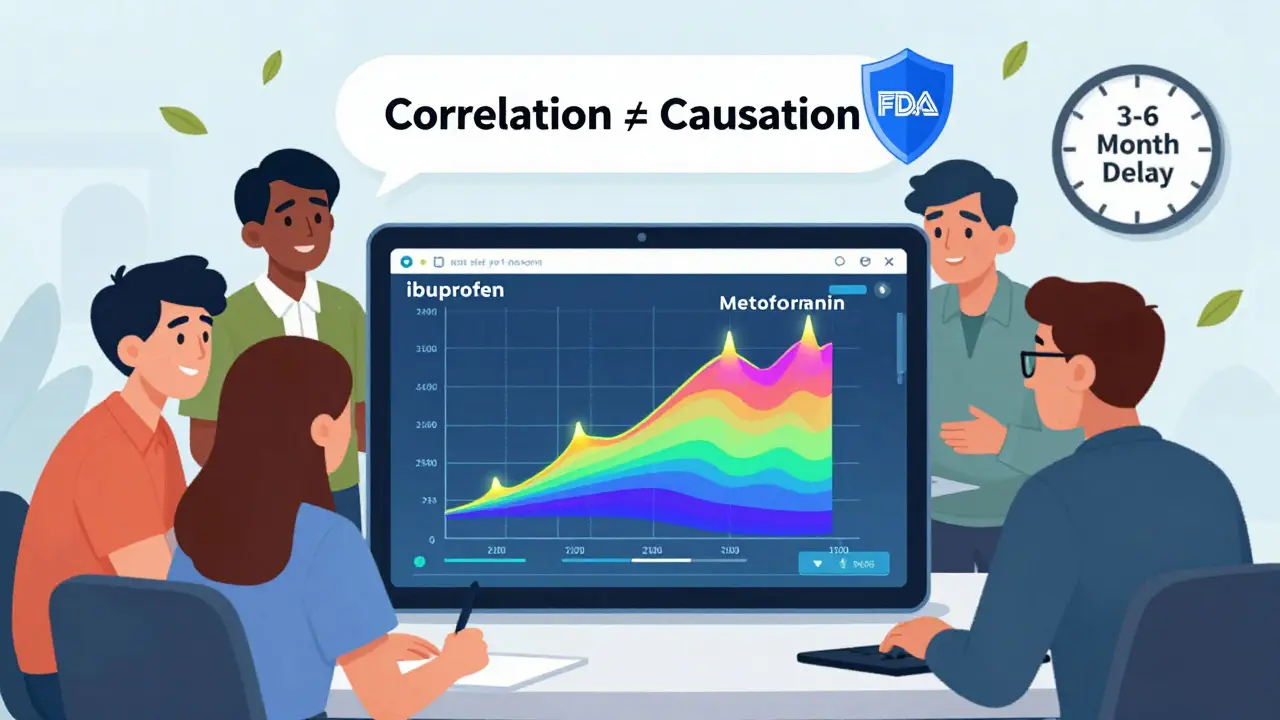
• Data is delayed by 3-6 months
• Remember: Correlation ≠ causation
Every year, over 14 million adverse event reports flood into the FDA’s FAERS database - reports from doctors, patients, and drug companies about unexpected reactions to medications. But until 2014, getting your hands on this data meant downloading massive XML files, wrestling with outdated formats, and spending weeks just to find one drug’s safety signal. Today, you can query it all in seconds using the OpenFDA API. No more spreadsheets. No more manual filtering. Just clean, structured data you can use right away.
What Is OpenFDA, and How Does It Connect to FAERS?
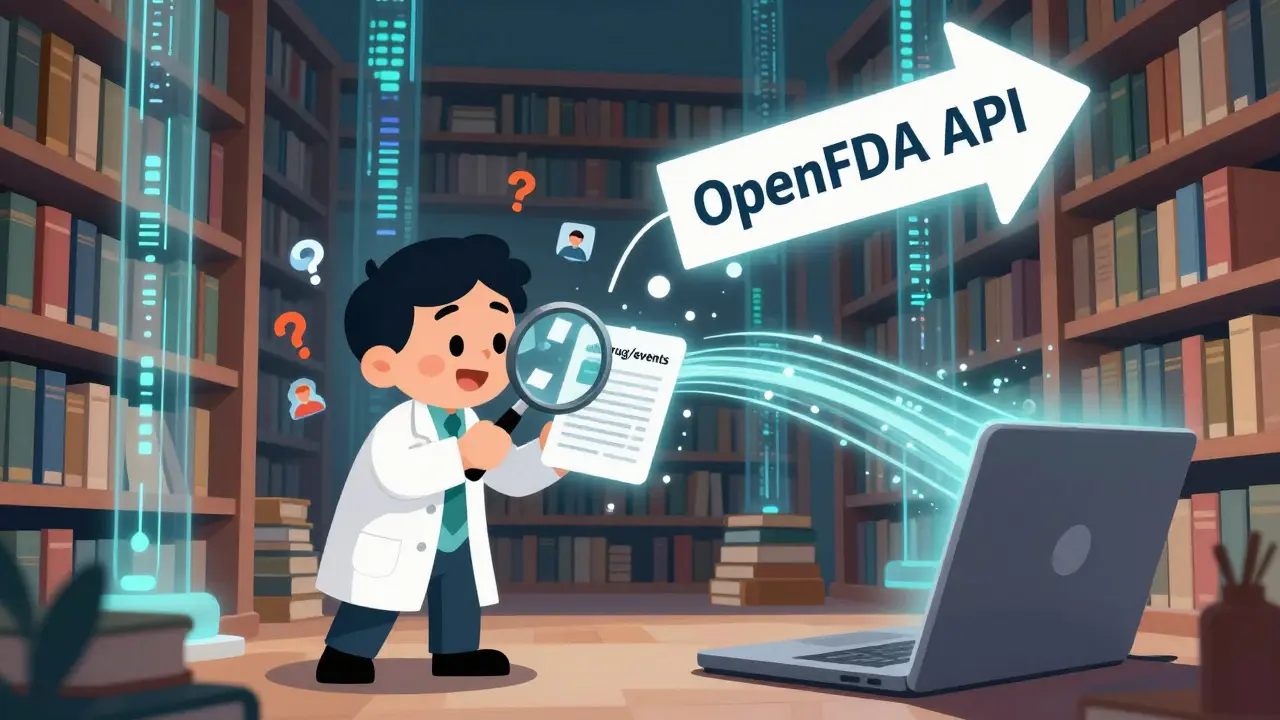
OpenFDA is the U.S. Food and Drug Administration’s open-data project. It’s not a new database - it’s a bridge. It takes raw data from the FDA Adverse Event Reporting System (FAERS), cleans it up, and turns it into an API you can talk to like a website. Think of FAERS as a warehouse full of paper reports. OpenFDA is the digital catalog that lets you search, filter, and pull exactly what you need without walking through the aisles.
The API gives you direct access to drug, device, and food safety reports. For side effect research, you’ll mostly use the drug/events endpoint. Each report includes:
- Drug name (generic and brand)
- Adverse event term (coded in MedDRA - the global standard for medical terminology)
- Patient age, sex, and outcome (e.g., hospitalization, death, recovery)
- Reporter type (healthcare professional, consumer, lawyer)
But here’s the catch: OpenFDA doesn’t show names, addresses, or any personal identifiers. The FDA strips all patient data to protect privacy. That means you can’t track individual cases - but you can spot patterns across millions.
Why OpenFDA Beats Downloading FAERS Files Directly
Before OpenFDA, researchers had to download FAERS data in ZIP files, each one over 1GB. You’d need to extract XML, parse it with custom scripts, and then clean up messy fields. One wrong character in a drug name and your whole search failed.
With OpenFDA, you write a simple query like:
https://api.fda.gov/drug/event.json?search=patient.drug.generic_name:"ibuprofen"&limit=100
And you get back clean JSON. No parsing. No guesswork. Just results. You can search by:
- Generic drug name
- Brand name
- Adverse event term (e.g., "myocardial infarction")
- Reporter type
- Outcome (e.g., "death", "hospitalization")
It’s faster, more reliable, and way less frustrating. Academic labs, startups, and even patient advocacy groups now use OpenFDA to spot trends no one else sees.
How to Get an API Key (And Why You Need One)
You can use OpenFDA without a key - but you’ll be stuck at 1,000 requests per day. That’s fine for a quick check. But if you’re running a study, building a tool, or analyzing multiple drugs, you’ll hit that wall fast.
Register for a free API key at open.fda.gov/apis/authentication/. Once you have it, you get:
- 240 requests per minute
- 120,000 requests per day
That’s enough to run hundreds of queries daily. You pass the key in the URL like this:
https://api.fda.gov/drug/event.json?api_key=YOUR_KEY_HERE&search=patient.drug.generic_name:"metformin"
Most developers use tools like Python, R, or JavaScript to automate this. In R, you’d use the openFDA package and run set_api_key("your_key_here") once. In Python, you’d just add it to your request headers.
Building Your First Side Effect Query
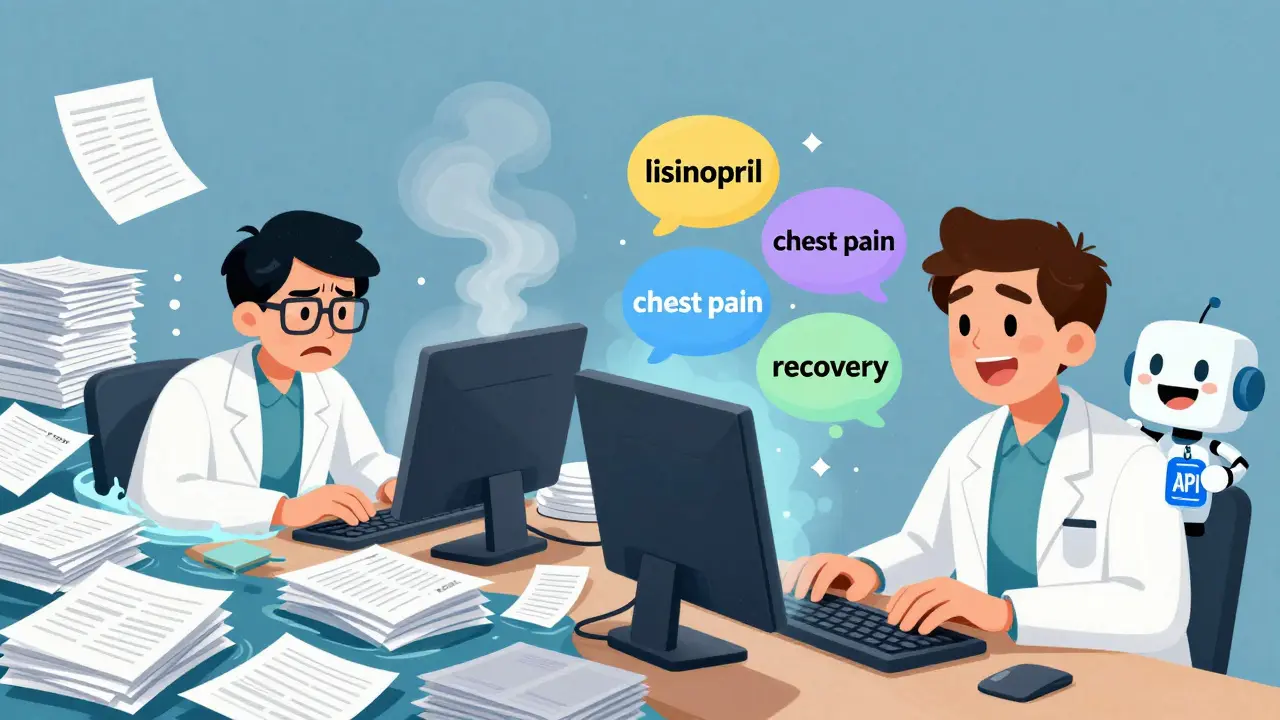
Let’s say you want to know how often people report chest pain after taking lisinopril. Here’s the exact query:
https://api.fda.gov/drug/event.json?api_key=YOUR_KEY&search=patient.drug.generic_name:"lisinopril"+AND+patient.reaction.reactionmeddrapt:"chest pain"&limit=50
This returns 50 reports where:
- The drug is lisinopril
- The reaction is coded as "chest pain" in MedDRA
Each result includes the reaction outcome - was it serious? Did the patient recover? You can even add &skip=50 to get the next 50 results. Pagination is built in.
Pro tip: Use limit=1000 - that’s the max per call. Don’t try to pull more. Use skip to loop through batches.
Common Mistakes and How to Avoid Them
Most people hit roadblocks early. Here’s what goes wrong - and how to fix it.
1. Wrong Query Syntax
OpenFDA uses Elasticsearch syntax. You can’t just type "show me all side effects of aspirin." You need:
- Use double quotes for exact phrases:
"aspirin" - Use
+for AND,ORfor OR - Field names matter:
patient.drug.generic_name, not justdrug
Test your syntax on the OpenFDA website’s search tool before coding it.
2. Ignoring the 1,000-Request Limit
If you’re not using a key, you’ll get blocked after 1,000 calls. Always check your response headers - they tell you how many requests you have left. If you see X-RateLimit-Remaining: 0, stop. Wait 24 hours.
3. Assuming Data Is Real-Time
OpenFDA data is delayed. Reports take 3-6 months to appear. A reaction reported in July might not show up until January. This isn’t a bug - it’s how the FDA processes submissions. Don’t use this for live monitoring.
4. Treating It Like Clinical Evidence
The FDA warns: "Do not rely on openFDA to make decisions regarding medical care." These are reports - not proven causes. Just because 50 people reported headaches after taking a drug doesn’t mean the drug causes headaches. It could be coincidence. Correlation ≠ causation. Always check peer-reviewed studies before drawing conclusions.
Who’s Using This - And What Are They Finding?
OpenFDA isn’t just for techies. Here’s what real users are doing:
- Researchers at Johns Hopkins used it to find that a common antihypertensive drug had a 30% higher rate of kidney injury reports than previously documented.
- A patient group in Ohio built a free tool that lets people check side effect trends for their meds - no medical degree needed.
- A startup in Austin created MedWatcher, an app that alerts users when new safety signals emerge for their prescriptions.
Over 350 academic papers cited OpenFDA data in 2022 alone. It’s become the go-to source for real-world drug safety research.
Limitations - What OpenFDA Can’t Do
It’s powerful - but not magic.
- No patient history: You can’t see if someone had heart disease before taking the drug.
- No dosage info: Reports rarely include how much of the drug was taken.
- No control group: You don’t know how many people took the drug without side effects.
- No signal detection: Unlike commercial tools like Oracle Argus or ARTEMIS, OpenFDA doesn’t automatically flag unusual patterns. You have to find them yourself.
That’s why it’s best used alongside clinical data - not as a replacement.
What’s Next for OpenFDA?
The FDA is expanding. In 2023, they added:
- More device safety reports
- Improved tobacco product data
- Faster processing pipelines
They’re also working on better documentation and developer tutorials. The GitHub repo is active, and the code is open-source. That means if you’re a developer, you can even help improve it.
Long-term, OpenFDA is here to stay. It’s part of the FDA’s core health informatics strategy. And as more researchers use it, the quality and usefulness of the data will only grow.
Getting Started: Your Action Plan
Here’s how to begin today:
- Go to open.fda.gov/apis/authentication/ and get your free API key.
- Visit the drug/event endpoint documentation to see all available fields.
- Test a simple query in your browser:
https://api.fda.gov/drug/event.json?search=patient.drug.generic_name:"acetaminophen"&limit=1 - Use Python or R to automate queries. The
openFDAR package andrequestslibrary in Python are the easiest starts. - Start small. Pick one drug. Look for one reaction. See what comes up.
You don’t need to be a coder to use this. Many people use tools like Postman or Excel with API connectors. The barrier to entry is lower than ever.
Is OpenFDA free to use?
Yes. OpenFDA is completely free. You don’t pay for API access, data downloads, or documentation. The only requirement is registering for a free API key to increase your request limits. No subscriptions, no hidden fees.
Can I use OpenFDA to check if my medication is safe?
You can look for patterns - but you shouldn’t make medical decisions based on it. OpenFDA shows reports of side effects, not proof that a drug causes them. For example, if 100 people report dizziness after taking a drug, it might be unrelated. Always talk to your doctor before changing your medication.
How often is OpenFDA data updated?
Data is updated quarterly. Reports submitted to the FDA take 3-6 months to appear in OpenFDA. This delay is due to the time needed to process, validate, and de-identify submissions. It’s not real-time, so don’t use it for urgent safety checks.
What’s the difference between OpenFDA and FAERS?
FAERS is the raw database of adverse event reports collected by the FDA. OpenFDA is the API that makes FAERS data easy to use. Think of FAERS as the library’s archive and OpenFDA as the online catalog with search, filters, and instant results.
Can I use OpenFDA for commercial purposes?
Yes. The data is public domain, and you can build commercial tools, apps, or services using it. But you must follow FDA guidelines: don’t claim the FDA endorses your product, and always include their disclaimer about not using the data for medical decisions.
Are there alternatives to OpenFDA?
Yes - but they cost money. Commercial platforms like Oracle Argus and ARTEMIS offer advanced signal detection, patient history integration, and automated alerts. But they charge $100,000+ per year. OpenFDA is the only free, official source for this level of detail.
Dan Mack
They're tracking every pill you swallow and selling it to Big Pharma. OpenFDA? More like Open Surveillance. You think this is free? Wait till they start charging for the "safety alerts" they secretly generate from your data.
Gloria Montero Puertas
I'm sorry, but if you're using OpenFDA without a solid grasp of MedDRA coding, you're not 'researching'-you're just playing with fire. The terminology is precise, not casual. And please, for the love of evidence-based medicine, don't confuse reporting frequency with causality. It's not rocket science-it's epidemiology.
Sohan Jindal
The government gave us this so we'd stop asking questions. They don't want you to know how many people die from statins. They just want you to keep taking them. OpenFDA? More like Open Propaganda.
Frank Geurts
The OpenFDA initiative represents a monumental stride toward transparency in public health informatics. The structured API design, grounded in RESTful principles, enables reproducible research and democratizes access to critical pharmacovigilance data. One must, however, remain cognizant of the inherent limitations of spontaneous reporting systems, which are subject to underreporting bias and confounding variables.
Arjun Seth
You think this is for the people? In India we don't even have clean water but you want us to use APIs? This is for rich Americans with laptops. Real people die from bad medicine and no one cares until it's on a spreadsheet.
Mike Berrange
You didn't mention that 90% of these reports are filed by lawyers looking for settlements. The FDA doesn't verify them. You're analyzing noise. And you call this science?
Amy Vickberg
This is actually really helpful! I’ve been trying to understand why my mom’s blood pressure med keeps making her dizzy and this gave me a way to see what others are experiencing. Not a replacement for the doctor, but a good starting point to ask better questions.
Nishant Garg
In my village in Rajasthan, we still use neem leaves for fever. But I saw someone use OpenFDA to check if metformin causes joint pain-and it did, in 2% of cases. So I told my cousin who’s diabetic. Technology doesn’t replace wisdom, but it can whisper it louder. Maybe that’s enough.
Amy Ehinger
I just tried the lisinopril query and found like 12 reports of chest pain. I was kinda scared, but then I saw most of them were elderly and had heart issues already. It’s not the drug, it’s the age. Still, good to know. Thanks for the clear guide.
RUTH DE OLIVEIRA ALVES
The structural integrity of the OpenFDA data model, when harmonized with MedDRA terminology, provides a robust foundation for post-marketing surveillance. However, the absence of longitudinal patient history and dosage granularity significantly constrains causal inference. Researchers are advised to triangulate findings with controlled clinical datasets to mitigate ecological fallacy.
Crystel Ann
I used this to check my antidepressant. Found a few reports of weight gain, which I was worried about. Turns out it’s common, but not everyone gets it. It didn’t scare me-it just helped me feel less alone. Thanks for sharing this.
Nat Young
Everyone’s acting like this is revolutionary. It’s just a database. The real problem is that the FDA lets drug companies self-report 80% of these cases. You think they’re gonna report their own pills killing people? This is theater. A very expensive, very clean-looking theater.
Niki Van den Bossche
The irony is that we’ve built an entire digital cathedral to worship data, while the human experience-the trembling hands, the sleepless nights, the whispered fears-remains unquantified. OpenFDA gives us numbers, but not meaning. And meaning is what heals.